 11
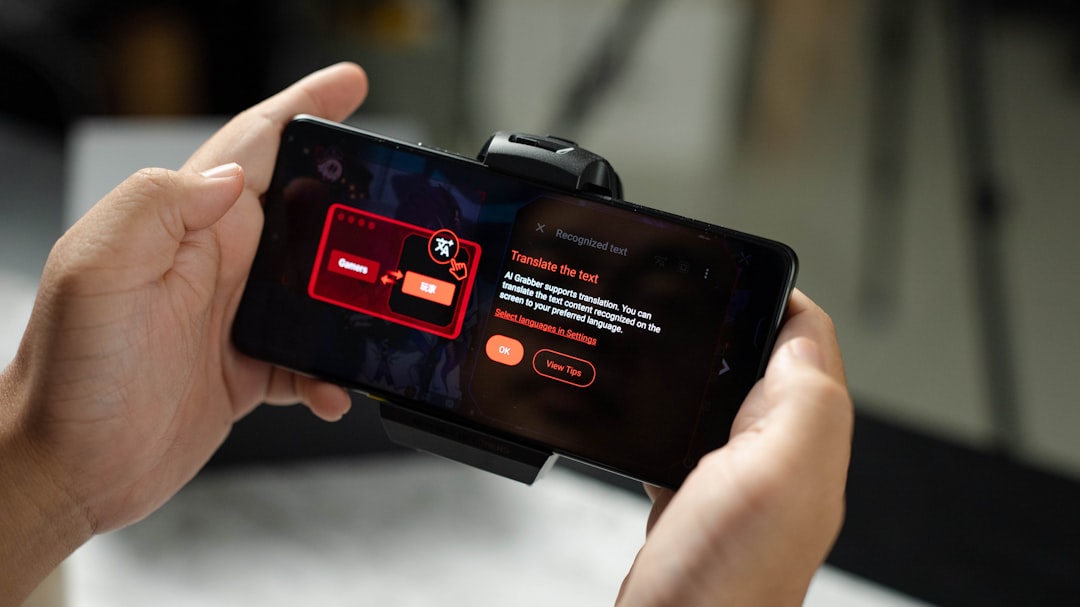
Keeping your account safe is essential when using the 51gameapp.download App, especially since it involves financial transactions and personal information. By taking a few proactive steps, you can significantly reduce the risk of unauthorized access, data leaks, and loss of funds. Securing your account ensures a smoother and more enjoyable gaming experience.
One of the most basic but critical steps is setting a strong password that is not easy to guess.
Use at least 10 characters combining uppercase, lowercase, numbers, and symbols
Avoid using personal information such as your name, birthday, or simple sequences like “123456”
Never reuse the same password across multiple platforms
Change your password periodically and especially after accessing your account from a shared or public device.
Two-factor authentication adds an extra layer of protection by requiring a second verification step beyond your password.
Use your mobile number or email address for receiving one-time codes
Activate 2FA from the security settings within the 51 Game App
Keep your device secure, as losing access to your phone can delay recovery
2FA significantly reduces the chances of someone logging in without your permission, even if your password is compromised.
Using a public or shared computer or phone to access your 51 Game App account increases the risk of exposure.
Avoid saving login credentials on devices you do not own
Always log out after each session
Use incognito mode or private browsing if you must log in from a borrowed device
Logging in only from your personal and secured device is the best practice for maintaining full control over your account.
Staying alert to unusual activity can help you catch problems early.
Check your transaction history frequently for unknown deposits or withdrawals
Review your login history if the app provides it
Enable push or SMS notifications for each login or financial action
If you see any suspicious activity, act immediately by changing your password and contacting support.
Scams often start with phishing messages sent via social media, email, or messaging apps.
Do not click on suspicious links claiming to offer bonuses or rewards
Only download the official 51 Game App from trusted sources like Google Play Store or Apple App Store
Avoid logging in through unofficial websites or apps
Bookmark the official website and verify URLs before entering your credentials.
Outdated software can be vulnerable to security breaches. Always:
Update the 51 Game App as soon as a new version becomes available
Install security patches for your operating system
Use antivirus or anti-malware software if you’re on Android or a rooted device
Running the latest versions ensures you benefit from the newest security features and bug fixes.
When you install the app, it may request access to your phone’s data or features. Be selective:
Grant only the permissions necessary for the app to function
Deny access to contacts, SMS, or location if it’s not needed
Regularly review app permissions in your phone settings
This helps prevent unnecessary data exposure from third-party integrations or internal app components.